"You orient in the relevant tech, media and design landscape
and create interactive media products that you have tested
with users and stakeholders."
This learning outcome focuses on understanding and applying
current technologies while creating user-centered designs
that meet stakeholder requirements.
Below, you'll find the supporting evidence for this learning outcome, each collapsible includes a short
explanation, screenshots, and access to the source code.
Portfolio
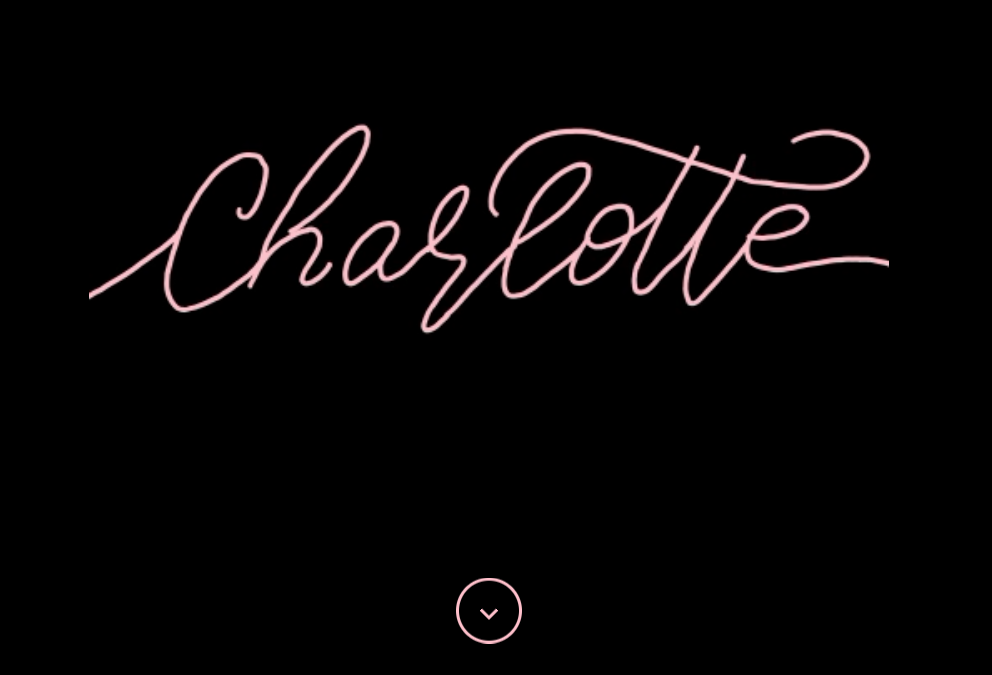
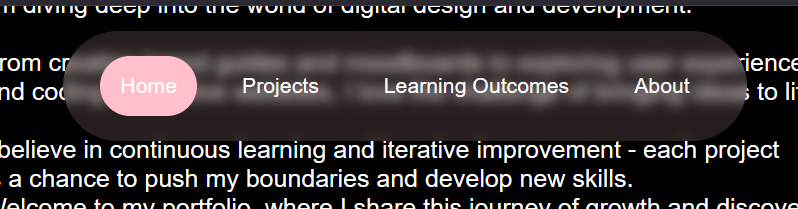
In the images below, I've included two of the interactive elements from my portfolio. What you can't
see from just a screenshot is the scroll-down button, which smoothly takes you to the next screen
viewport height. The title, my name, is an animation I created that plays automatically when you
first
load the website.
Fun fact: if you haven't tried it already, you can click it to replay the animation!
Interactive TitlepageInteractive Navbar
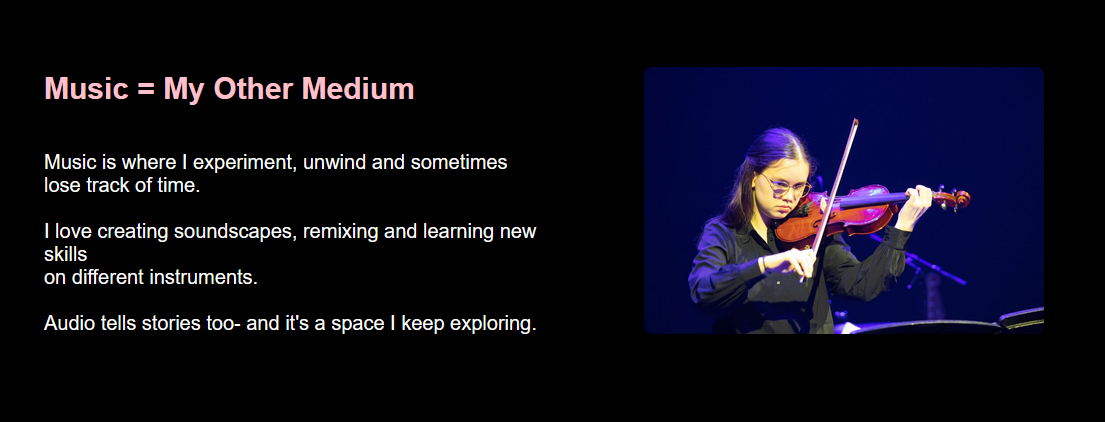
The images below show the interactive elements on my homepage. The first example is from the music
section, when you click the image, it navigates to the relevant music page (currently under
construction). I also included a 3D cube made with CSS that spins on hover. You can click this cube
to go to the relevant projects page.
For the projects and learning outcomes pages, I added navigation arrows based on user feedback.
These allow users to move between pages without having to return to the main page, making navigation
quicker and easier.
Section of Homepage with Clickable ImageScreenshot of Navigation Through Pages Using Arrows
The first image shows the collapsibles I used on my Project X page. A user mentioned that some of
the pages were starting to get quite long. While I do have a lot to share, I decided that using
collapsibles would be a good way to keep the page cleaner and more organised.
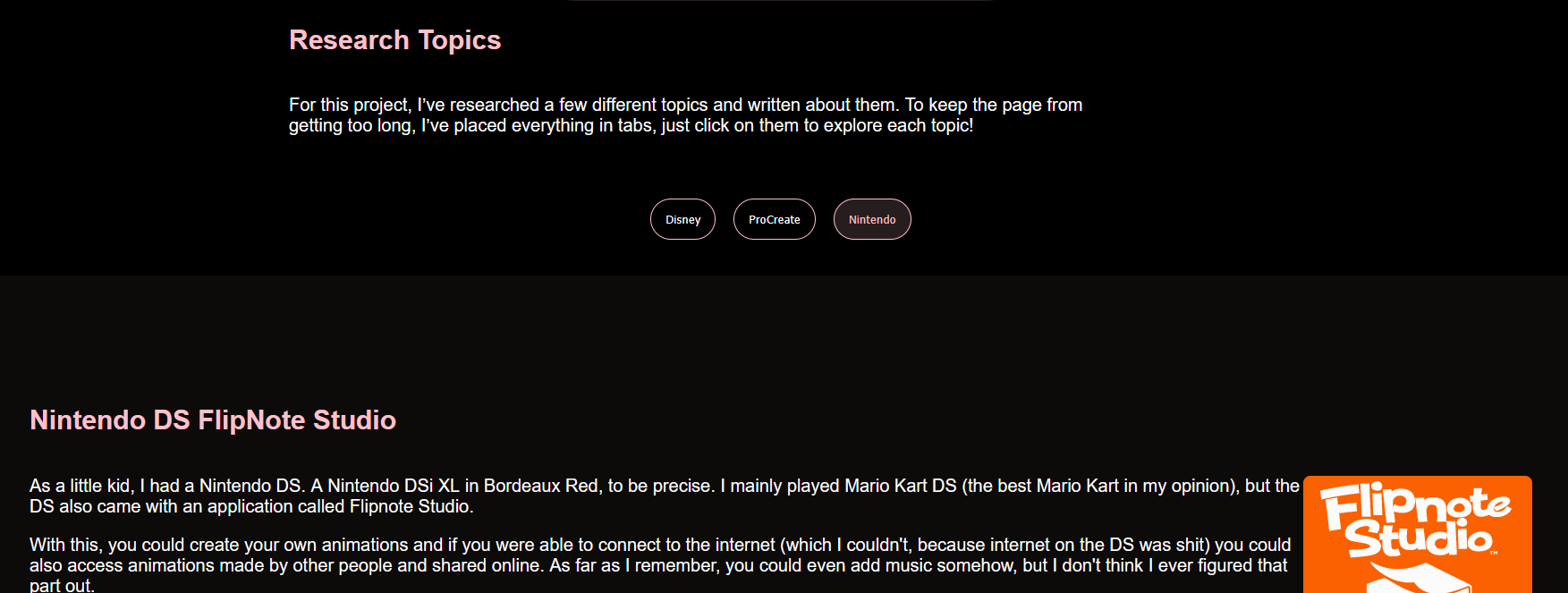
Along the same lines, I also added tabs for the different research topics. If a tab is already open,
you can click the button again to close it, this adds a bit of interactivity and keeps things tidy.
Collapsible Elements for Project X PageTabs for Research Topics Project X Page
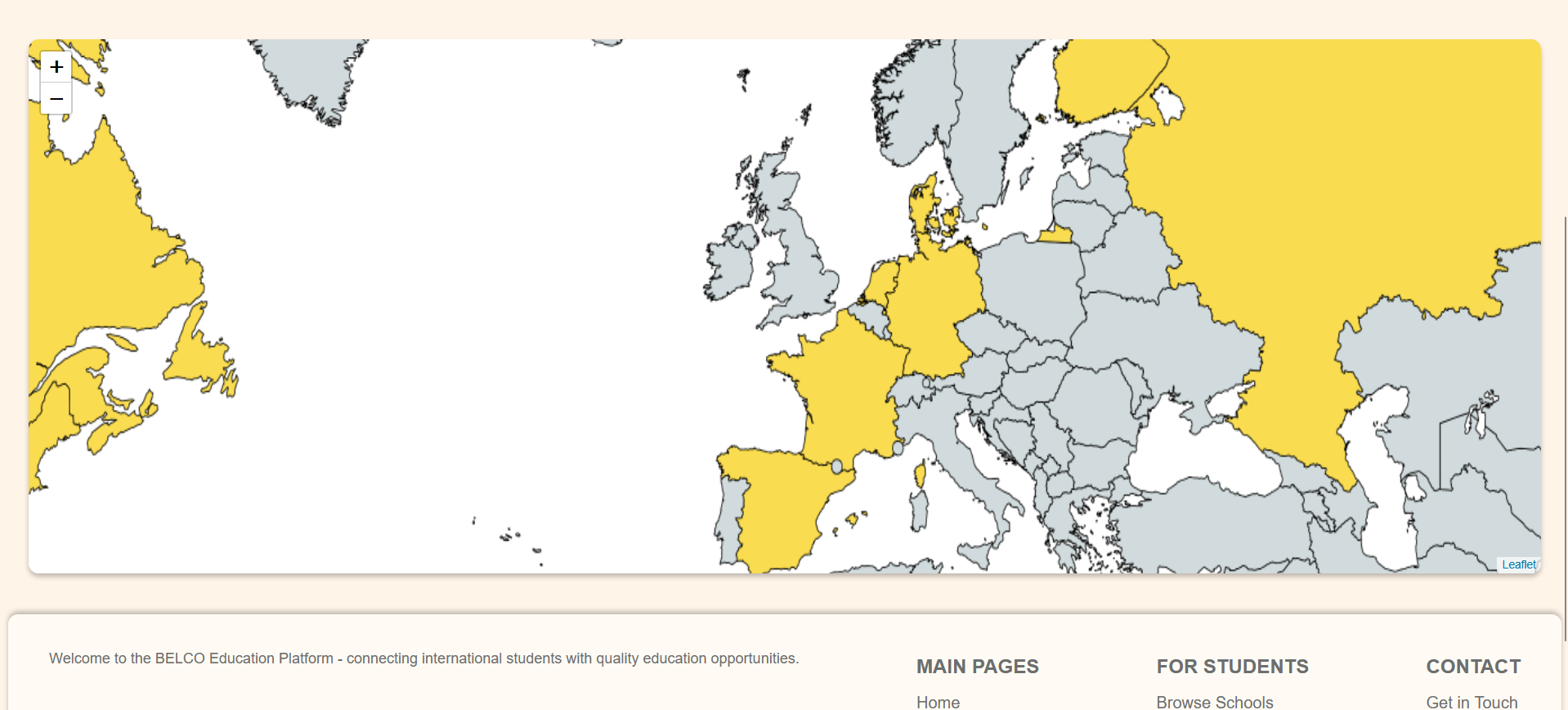
For the Belco website, I was responsible for several interactive elements. The main feature I worked
on was the map, which I built using the Leaflet JavaScript library. You can zoom in and out on the
map by scrolling or by using the plus and minus buttons.
I also created the navigation bar at the top of the site, which is fully functional, you can click
on
the tabs to navigate to the relevant pages.
Screenshot Interactive MapInteractive Navbar
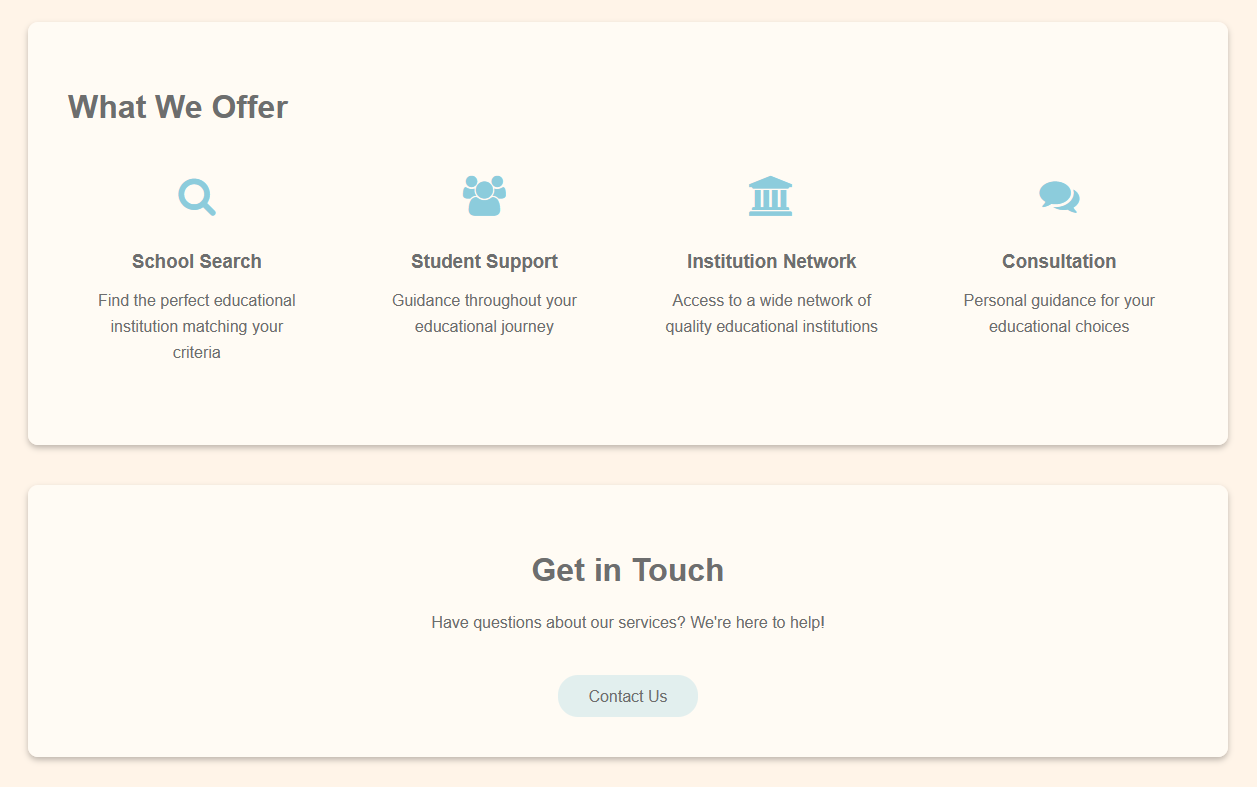
I created a contact page with a button to get in touch with the Belco Alliance. While the button
isn't functional at the moment, implementing a backend with PHP was not within the scope of this
project.
To add to my learning outcome interactive media, I wanted to finish an interactive 3d flipbook
for this I started following the workshop from Maikel Putman on youtube.
I was not able to finish it, but uhh had an interactive flippable page with 3d but current version
is no longer
clickable or hover functionality. Still need to add more pages and final step would be to add photos
Ive taken
to make it an interactive photoalbum.
During the semester, I have struggled a bit, but I have also made a lot of improvements. Like I
mentioned in the introduction, I did make some strides nearer the end. Once I gained focus again, I was
able to work on it a bit better. I reached beginning level last time, and I have made some improvements
by adding my Belco project and started on the 3D flipbook. I have also made some improvements when it
comes to asking for feedback and adjusting based on that feedback. While I have not been able to test
the actual end product, I am confident my portfolio has improved.
I also did some more research into UI/UX trends, created Figma prototypes of my portfolio and the Belco
project. My most significant improvement since my last assessment is that I now have a fully functional
website and have updated my list of supporting evidence.
There has been a lot of struggle, but I can safely say I am proud of the progress I have made.
Some improvement points are to ask for more feedback during the earlier stages of projects. This is
something I am already working towards for next semester.
I did begin using FeedPulse more regularly to document feedback whenever I did ask for it.
For next semester I will schedule more regular user tests, and I will create a more systematic routine
of design research.
I look forward to being able to implement improvements next semester.