Interactive Map Implementation
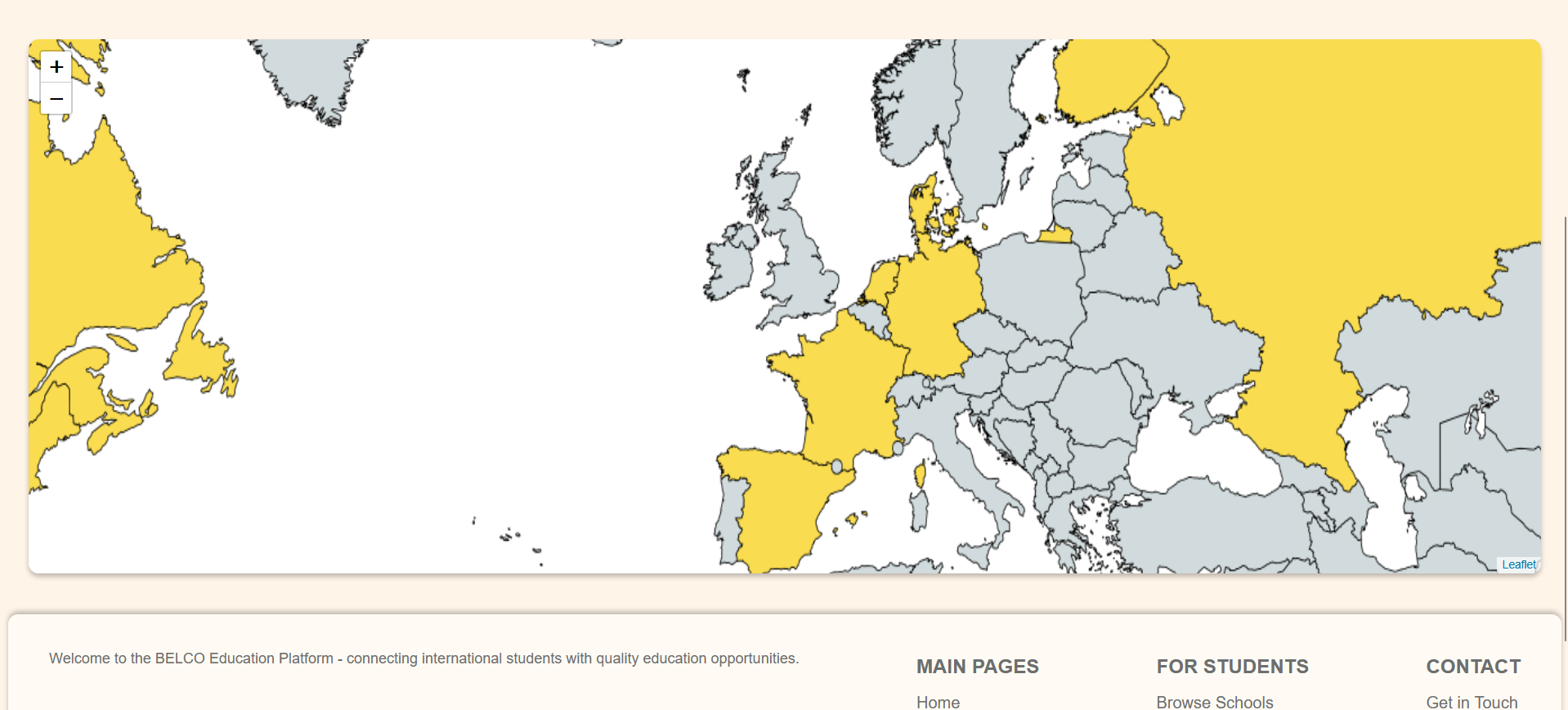
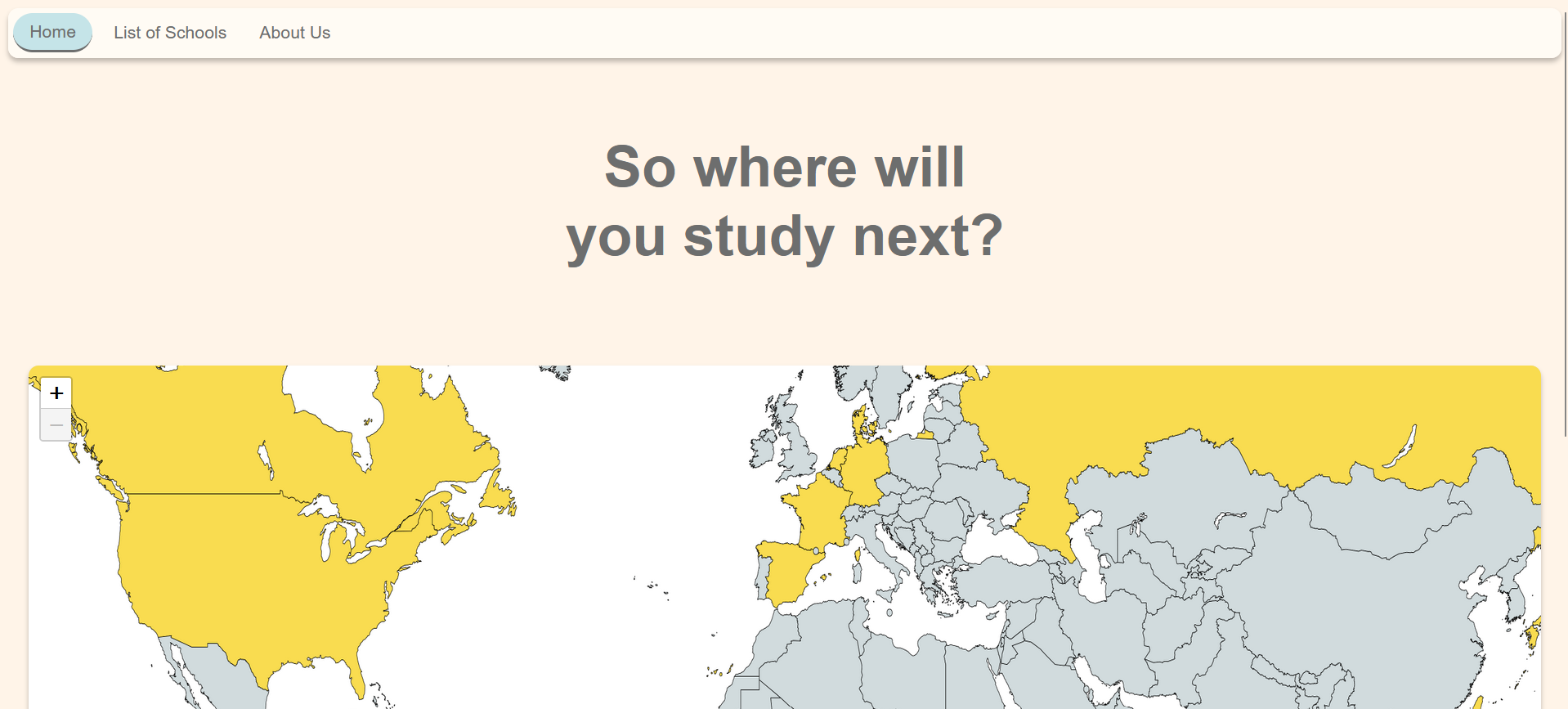
Using the Leaflet.js library, I created a zoomable map showing
Belco's partner locations. While not yet clickable, this prototype
demonstrates the potential for future filtering and interaction.
Version Control & Documentation
During the development project, the main focus was to apply the coding skills we had learned so far to our own projects and to challenge ourselves to learn even more. While we all worked for the same client, I collaborated with just one teammate to create the website.
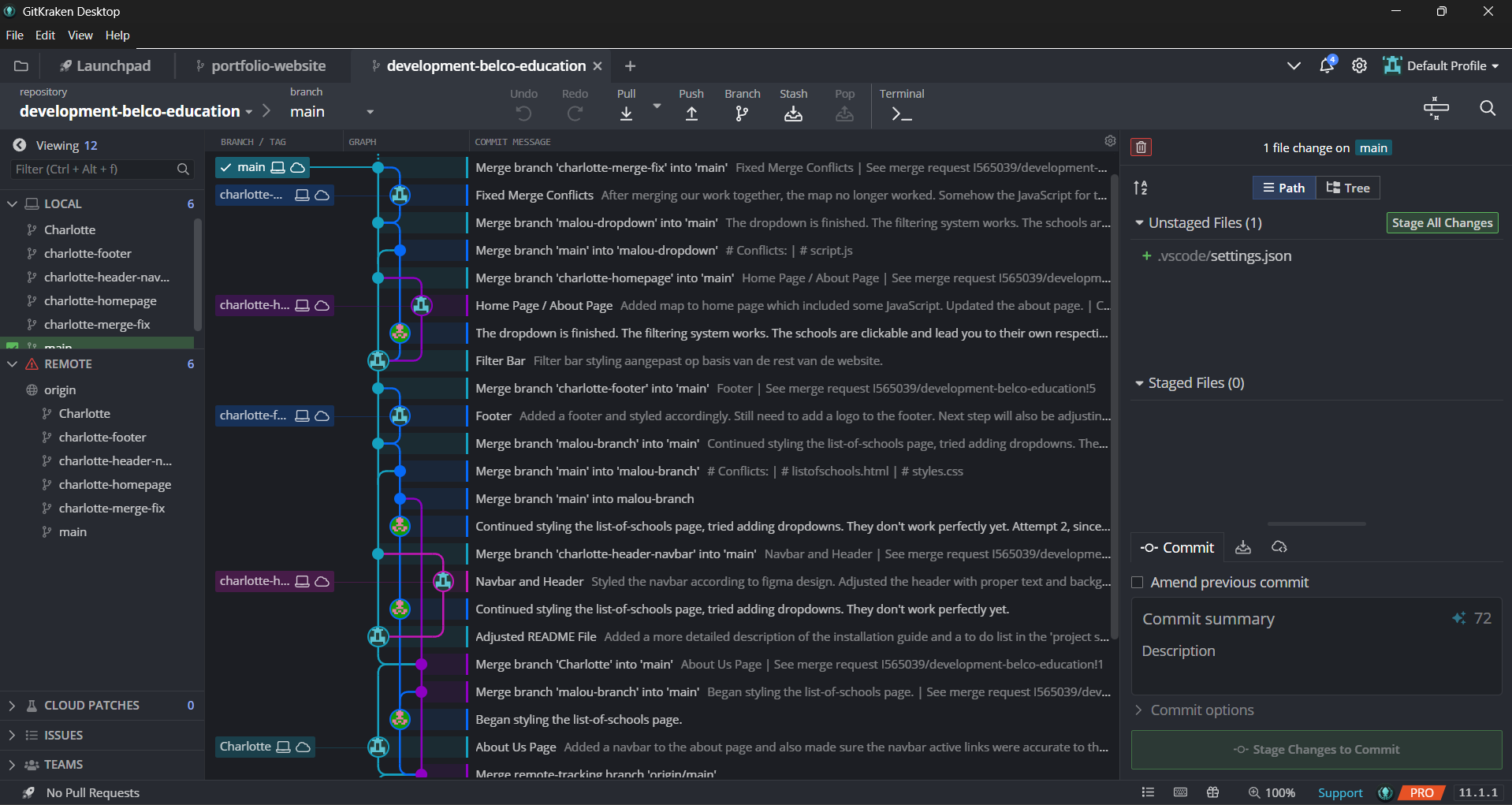
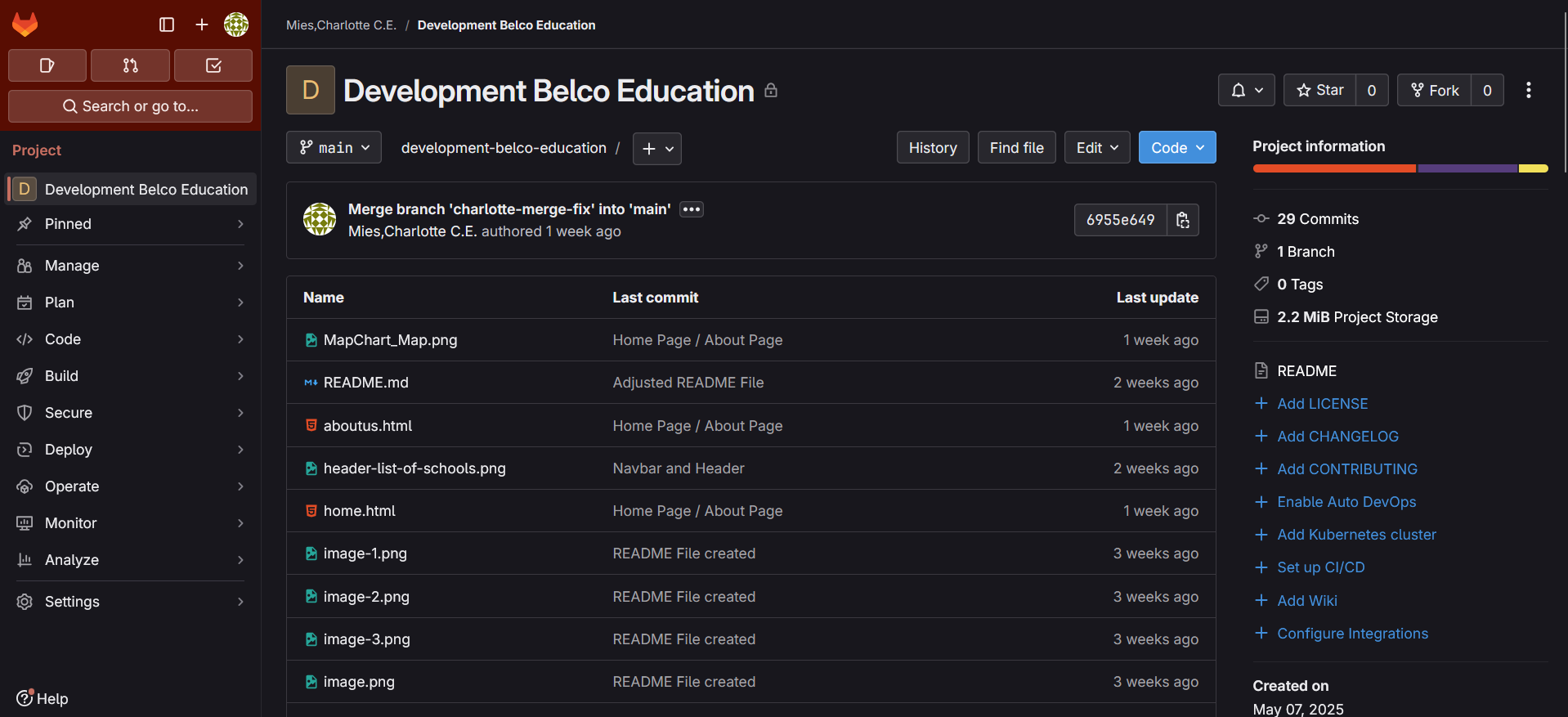
This meant learning a lot of new things, especially when it comes to using Git. The main things I learned were how to create branches and how to merge them. Throughout this process, I really found my way around GitKraken and GitLab. I now feel more confident using GitKraken to clone repositories, commit, and push changes.
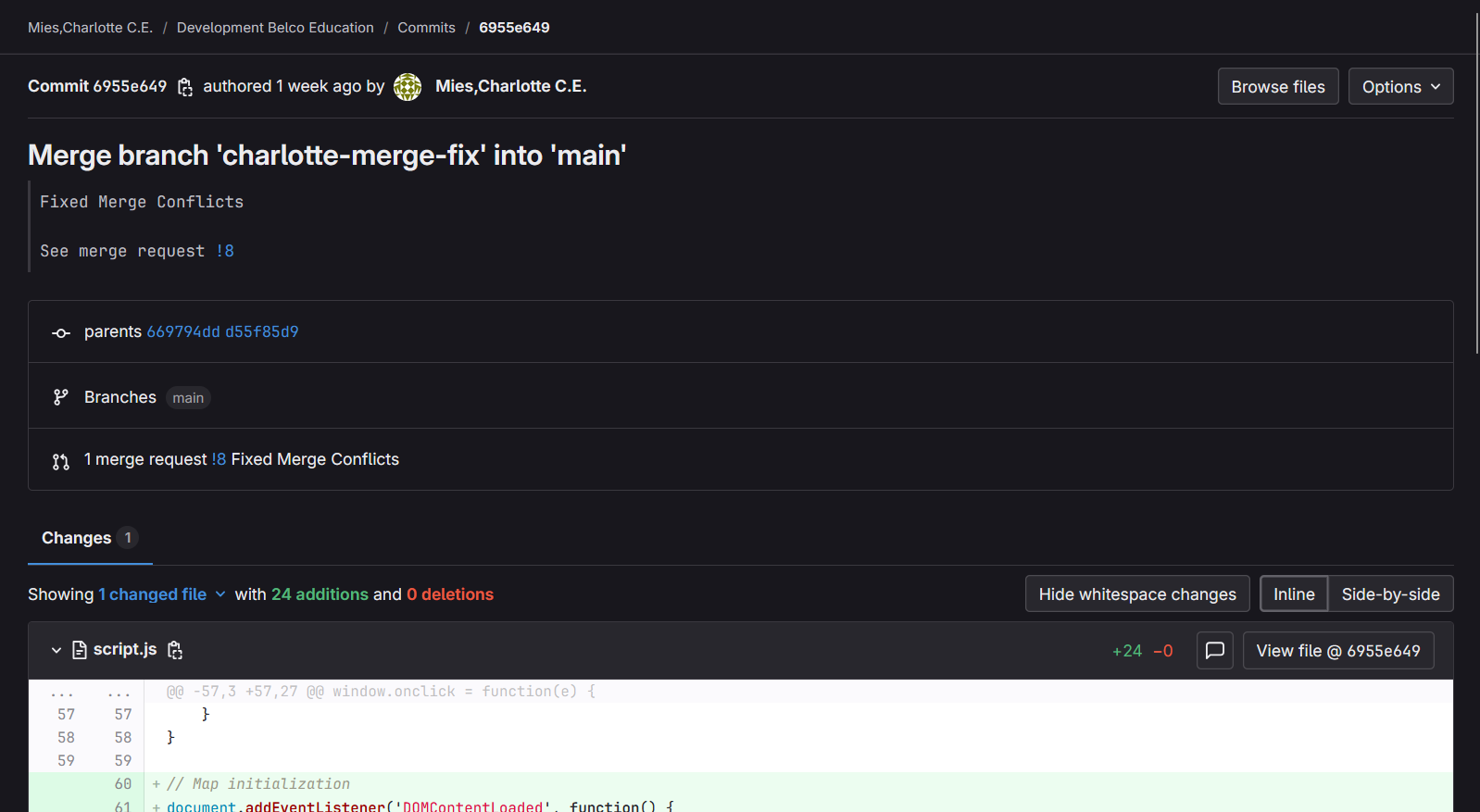
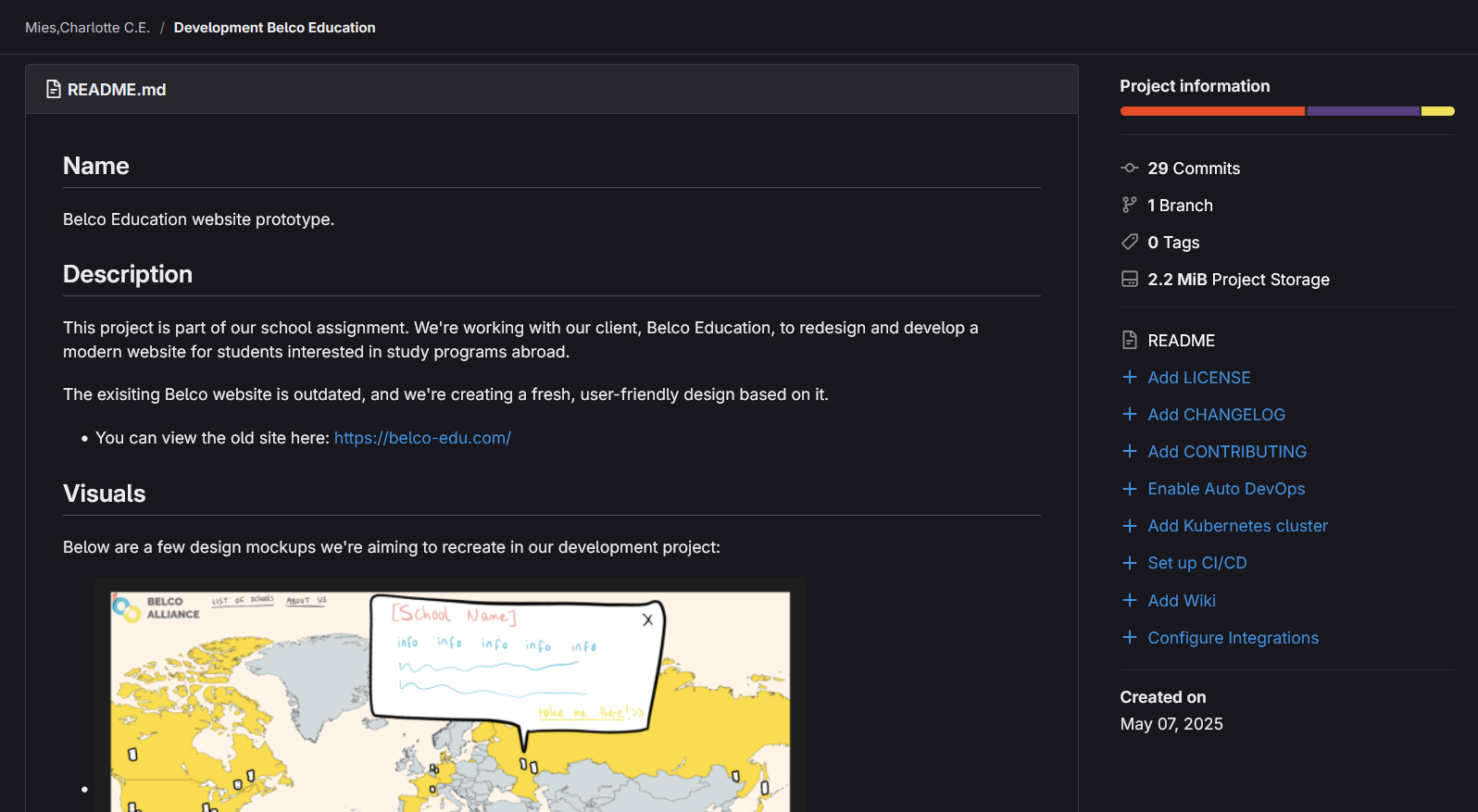
Because we were both working on the same project, we had to use branches and occasionally merge our changes. I focused on the contact page, headers, footers, and homepage, while my teammate worked on other parts of the site. We both made changes to some of the same files, which caused a few merge conflicts — but we fixed them quickly and made sure the final code included both of our contributions. In the end, everything worked out smoothly.
I also wrote a README file with an installation guide for the project. The README still needs to be updated to reflect the final status of the project — I just haven't gotten around to it yet.
You can review the GitLab repository by clicking [here].
Or download the source code as a zip file by clicking [here].
Screenshots Final Result
I was in charge of coding the home page, the header, the footer, and the about page. I also made sure all the files were properly linked so that navigation worked correctly.
In the images below, you can see a screenshot of the homepage with the interactive map. During the short period we worked on this project, I was also sick. So in the end, the homepage is missing a few features I had planned to include—such as a background image and more interactivity on the map.
The idea was to not only allow zooming in and out but also to add clickable location pinpoints that would navigate to relevant pages. For next semester, I need to make sure to plan with some buffer time in case I get sick again, so any future project can still be completed the way I envisioned.
For the interactive map, I used the Leaflet JavaScript library.

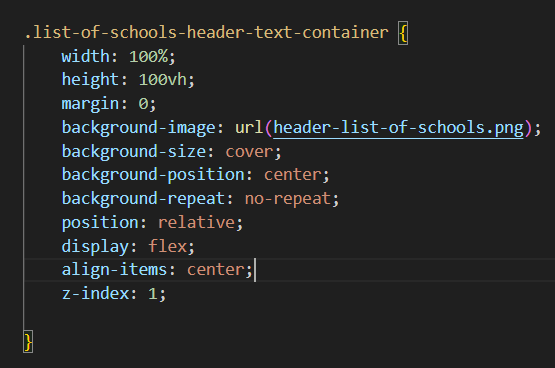
In the images below, you can see the navigation bar and the background image. I used CSS to apply the background image instead of placing it directly in the HTML. In this case, it was easier to use a CSS background image to cover the entire area.

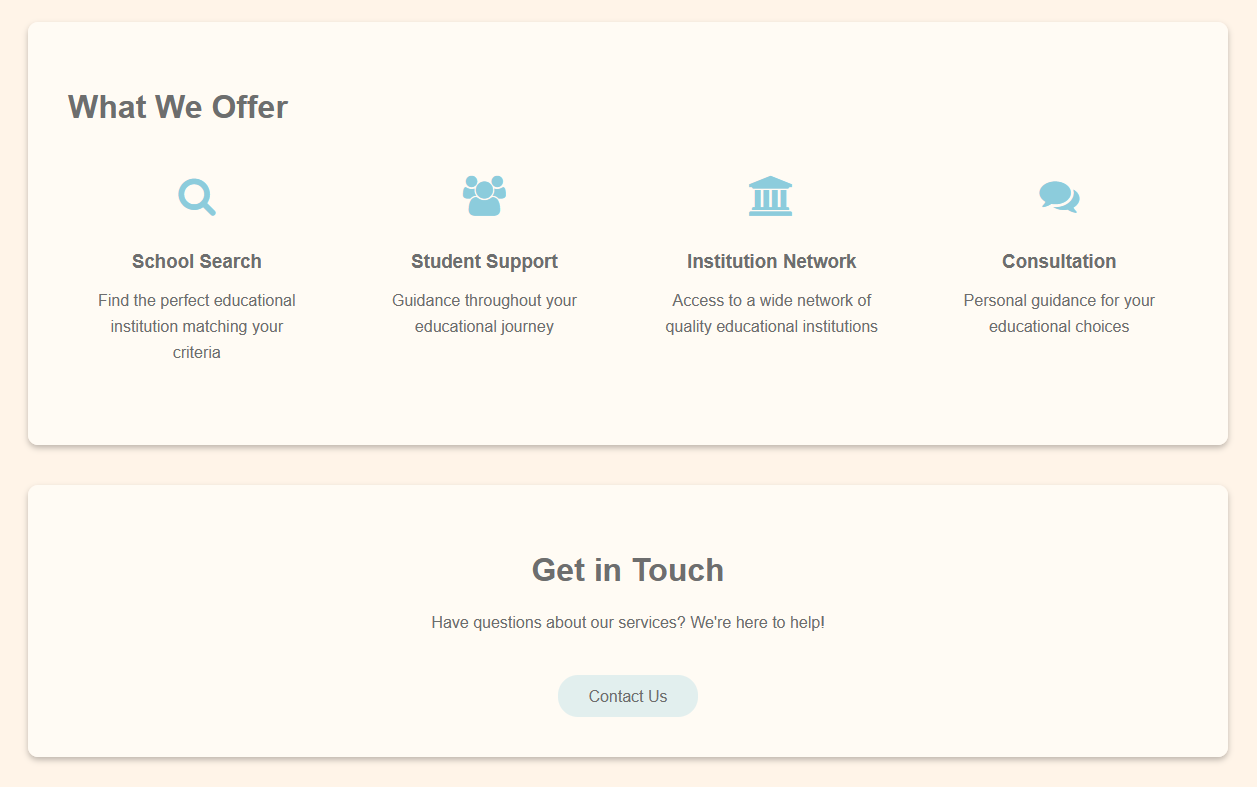
I also made the About Us page and the Contact page. There is a button on the contact page to allow users to get in touch, but this is not functional, as backend/data/PHP functionality was outside the scope of this project.
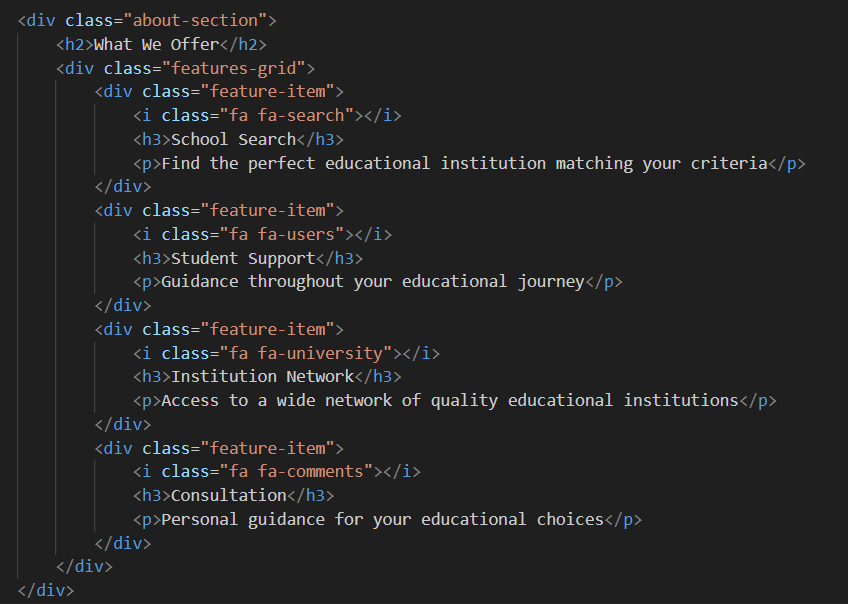
To create the icons, I imported the Font Awesome library and used classes like "fa fa-users" and "fa fa-search" to display them. I also styled the icons in Belco blue to match the overall design.
Personal Reflection
For this project, I worked together with one teammate, and we worked for the same stakeholder as in the "Create That UX" project. Now, assuming you've already gone through that page, you know how I felt about working with that stakeholder. So, both my teammate and I went into this project thinking, "Let's just get it done." Honestly, I found it a lot easier to work with just one other person.
At the start of each day, we'd discuss our plans. For example, I might say I'd work on the header or the map, and I'd suggest some things she could work on. It was really nice to work that way, simple and clear.
That said, I'm not proud of how we communicated with the stakeholder. Even though I didn't enjoy working with them and found them difficult, I should have tried harder to keep them in the loop. I did mention this to my teammate early on, and she sent an introductory message to the stakeholder, but we never followed up on it. I didn't feel like we had enough progress to justify showing anything yet — which in hindsight, wasn't a great excuse.
Near the end of the project, I was sick for a while, which I communicated clearly with my teammate. I had to accept that I wouldn't be able to finish the interactive map myself, but I made sure she had all the information needed to finish her parts, like the filter bar and search feature.
We did have a final Teams call with the stakeholder, and to our surprise, he was respectful, acknowledged our work, and seemed to appreciate the progress we had made. That was a nice way to end the project.
From a professional standpoint, I've learned a lot. One of the biggest takeaways was seeing how a UX design gets translated into an actual coded website. Starting from an existing design, even just a rough one, made the whole development process so much smoother. It gave me a clear idea of how many sections/divs I'd need, and it made styling easier because all the fonts, colors, and layout decisions were already made in Figma.
I also used the Leaflet library to make a zoomable map. I'll admit, I still need to better understand the JavaScript side of things, but I'm proud of how well I was able to use external libraries. The next step would have been to make the map more interactive, like adding clickable location markers — which I didn't get to yet.
Another area of growth was version control. Working closely with someone else meant we had to use Git properly. I got more confident using GitKraken and GitLab, branching, merging, resolving conflicts. That alone is a big win for me.
While the prototype I ended up with wasn't fully finished, it was mostly functional. The styling was not completely done , due to personal issues and limited time, but I still met the core learning goals. I now know how to take a UX design and turn it into a working HTML/CSS/JS website. That's what this project was all about, and I feel good about what I accomplished.